-
nimda
- June 27, 2026
A well-structured URL does more than identify a webpage. It helps users understand what a page is about, supports logical website organization, and provides search engines with additional context about the page’s content.
Although URLs are considered a relatively minor ranking signal, following URL structure best practices improves usability, makes websites easier to manage, and contributes to a stronger overall SEO foundation. High-quality content, relevance, and a well-organized website remain far more important, but clean URLs are still an important part of a positive user experience.
Planning a clear URL structure before publishing content also helps prevent unnecessary URL changes later, reducing maintenance and preserving consistency across your website.
Why URL Structure Matters
Every webpage has a unique address known as a URL (Uniform Resource Locator). Search engines use URLs alongside page content, headings, internal links, and metadata to better understand what a page is about.
Well-structured URLs provide several benefits:
Help users recognize page topics before clicking.
Improve readability and trust.
Support a logical website hierarchy.
Simplify website navigation.
Make URLs easier to remember and share.
Create a cleaner content structure as a website grows.
While a good URL alone will not significantly improve rankings, it contributes to a better overall SEO strategy and user experience.

Characteristics of an SEO-Friendly URL
A well-designed URL should be:
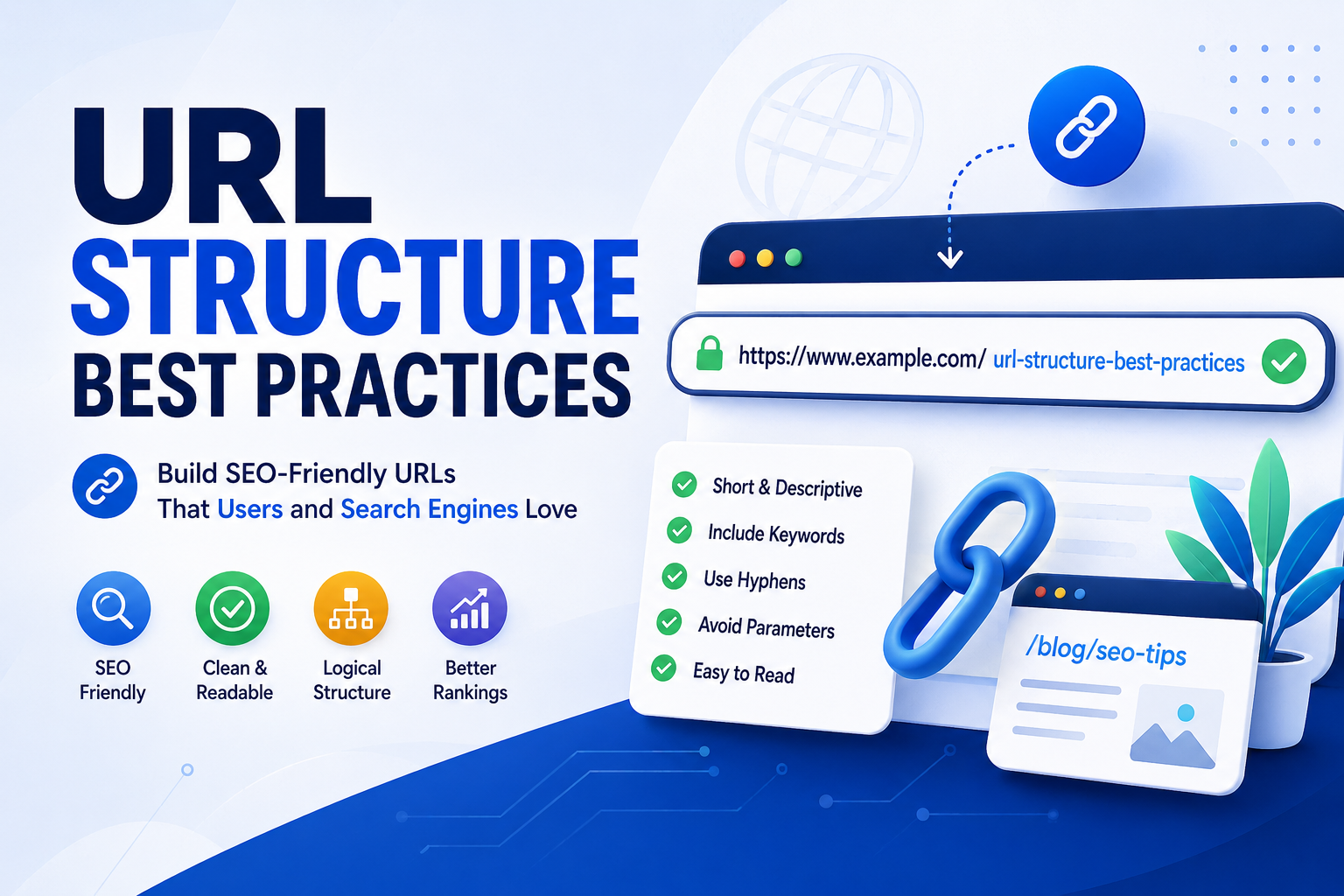
Short and descriptive
Easy to read
Relevant to the page’s primary topic
Consistent with the rest of the website
Stable over time
Free from unnecessary words and characters
For example:
Good
example.com/url-structure-best-practices
Less Effective
example.com/page?id=5829&category=seo&version=2
The first example clearly communicates the page topic, while the second provides little information to users.
What Is a URL Slug?
A URL slug is the final part of a webpage’s address that identifies a specific page.
For example:
example.com/blog/url-structure-best-practices
The slug is:
url-structure-best-practices
Keeping the slug short, descriptive, and closely related to the page topic makes URLs easier to understand for both users and search engines.
Keep URLs Short and Descriptive
Short URLs are generally easier to read, remember, copy, and share.
Rather than including every possible keyword or multiple folders, focus on describing the page using only the words necessary to explain its topic.
Instead of
example.com/seo/technical-seo/url-optimization/url-structure-best-practices-guide-for-beginners
Use
example.com/url-structure-best-practices
A concise URL is usually easier for both users and website owners to manage.
Include the Primary Keyword Naturally
Including the page’s primary keyword in the URL helps reinforce the page topic.
For this article, a suitable URL would be:
example.com/url-structure-best-practices
Avoid forcing multiple keywords into a single URL. One clear, descriptive keyword phrase is usually sufficient.
Use Hyphens to Separate Words
Words in a URL should be separated with hyphens.
Recommended
image-seo-guide
Avoid
imageseoguide
image_seo_guide
image+seo+guide
Hyphens improve readability and are the recommended word separator for URLs.
Use Lowercase Letters
Using lowercase letters consistently prevents potential duplicate versions of the same page on servers that distinguish between uppercase and lowercase URLs.
Use:
example.com/content-optimization
Instead of:
example.com/Content-Optimization
Maintaining lowercase URLs also creates a more consistent website structure.
Remove Unnecessary Words
Many URLs contain filler words that do not improve clarity.
Common examples include:
a
an
the
and
of
for
Instead of:
example.com/the-best-guide-for-url-structure
Use:
example.com/url-structure-guide
Removing unnecessary words keeps URLs cleaner without changing their meaning.
Avoid Special Characters
URLs should contain only simple, universally supported characters whenever possible.
Avoid using:
Spaces
Special symbols
Excessive punctuation
Unnecessary query parameters for permanent content
Clean, readable URLs are easier for browsers, users, and search engines to process.
Use Logical Folder Structures
Folders help organize content when they reflect a meaningful website hierarchy.
Examples include:
example.com/blog/url-structure-best-practices
or
example.com/seo/url-structure-best-practices
Deeply nested folders are not inherently harmful for SEO, but they often make URLs longer and more difficult for users to read and manage. Use folders only when they provide a logical organizational structure.
Understand Dynamic URLs and URL Parameters
Some websites generate dynamic URLs using parameters for filtering, sorting, tracking, or search functions.
For example:
example.com/products?category=shoes&color=black
These URLs are often necessary for website functionality. However, whenever possible, important indexable pages should use clean, descriptive URLs that are easier for users to understand and simpler for search engines to interpret.
Avoid Keyword Stuffing
Adding multiple versions of the same keyword to a URL provides little value and can make it appear unnatural.
Avoid URLs such as:
example.com/seo-url-best-url-structure-seo-url-guide
Instead, choose a single descriptive phrase that accurately represents the page.
Avoid Frequently Changing URLs
Once a page has been published and indexed, its URL should remain stable whenever possible.
Changing URLs unnecessarily may require redirects and can temporarily affect crawling, indexing, and user experience if not managed correctly.
Planning your URL structure before publishing content helps avoid unnecessary changes later.
Common URL Structure Mistakes
Some of the most common URL mistakes include:
Creating very long URLs
Using automatically generated numbers instead of descriptive words
Stuffing multiple keywords into the URL
Using uppercase letters inconsistently
Adding unnecessary folders
Including special characters
Frequently changing published URLs
Using vague page names such as page1 or post123
Including dates in evergreen content URLs, making updated content appear outdated
Avoiding these mistakes results in cleaner, more user-friendly URLs.
URL Structure Best Practices Checklist
Before publishing a page, ask yourself whether the URL is:
Short and descriptive
Easy to read
Written in lowercase
Uses hyphens between words
Includes the primary keyword naturally
Free from unnecessary words
Free from unnecessary special characters
Consistent with the rest of the website
Stable enough to avoid future changes
Following this checklist helps create URLs that remain useful and maintainable as your website grows.
Final Thoughts
A well-planned URL structure makes webpages easier for users to understand and helps search engines interpret page topics more effectively. Although URLs are only one component of SEO, using clean, descriptive, and consistent URLs contributes to a better website experience and a stronger technical foundation.
Rather than trying to include every possible keyword, focus on creating URLs that accurately describe each page, remain easy to read, and stay consistent over time. Thoughtful URL planning from the beginning helps create a website that is easier to navigate, manage, and expand as new content is added.
Related Topics
If you’d like to continue learning about on-page and technical SEO, these topics naturally complement this article:
What Are SEO-Friendly URLs?
What Is Website Architecture?
Internal Linking Best Practices
What Is Technical SEO?
What Are XML Sitemaps?
Canonical URLs Explained
What Is Crawl Budget?

1 Comment
[…] in KR Keyword Research Find what shoppers search SI Search Intent Match pages to intent URL URL Structure Build clean, readable URLs SH What Is Shopify? Beginner's platform guide Foundations Why Ecommerce SEO Is […]